 CineSnap
In your NLE Nine steps to a look
- New project
- Set colour management
- Import media
- Drag to timeline
- Open the colour page
- Add a node
- Find the right LUT
- Wait for the cache
- Finally — scrub
macOS · Log viewer & snapshot tool
Log footage comes off the camera flat, grey and unreadable. CineSnap normalises it the instant you drop it in — real-time LUT preview, per-clip grading, and full-resolution stills. No project, no timeline, no render.
Free · No account · Your footage never leaves your machine
The 90-second detour
CineSnap reads the clip's colour space, picks the matching conversion, and starts playing it graded. If you want a still, press P.
What's inside
Three-tier detection — file extension, then filename, then a full
FFprobe metadata pass — because cameras lie. Sony tags every XAVC
file as bt709 regardless of gamma. Canon marks C-Log
as Rec.709. Some Sony firmware writes no colour fields at all.
CineSnap reads container brands, camera IDs, bit depth and colour
range to work out the truth.
3D LUTs upload straight to a WebGL2 texture and apply in the fragment shader. Scrub, shuttle and change intensity with no render step in between.
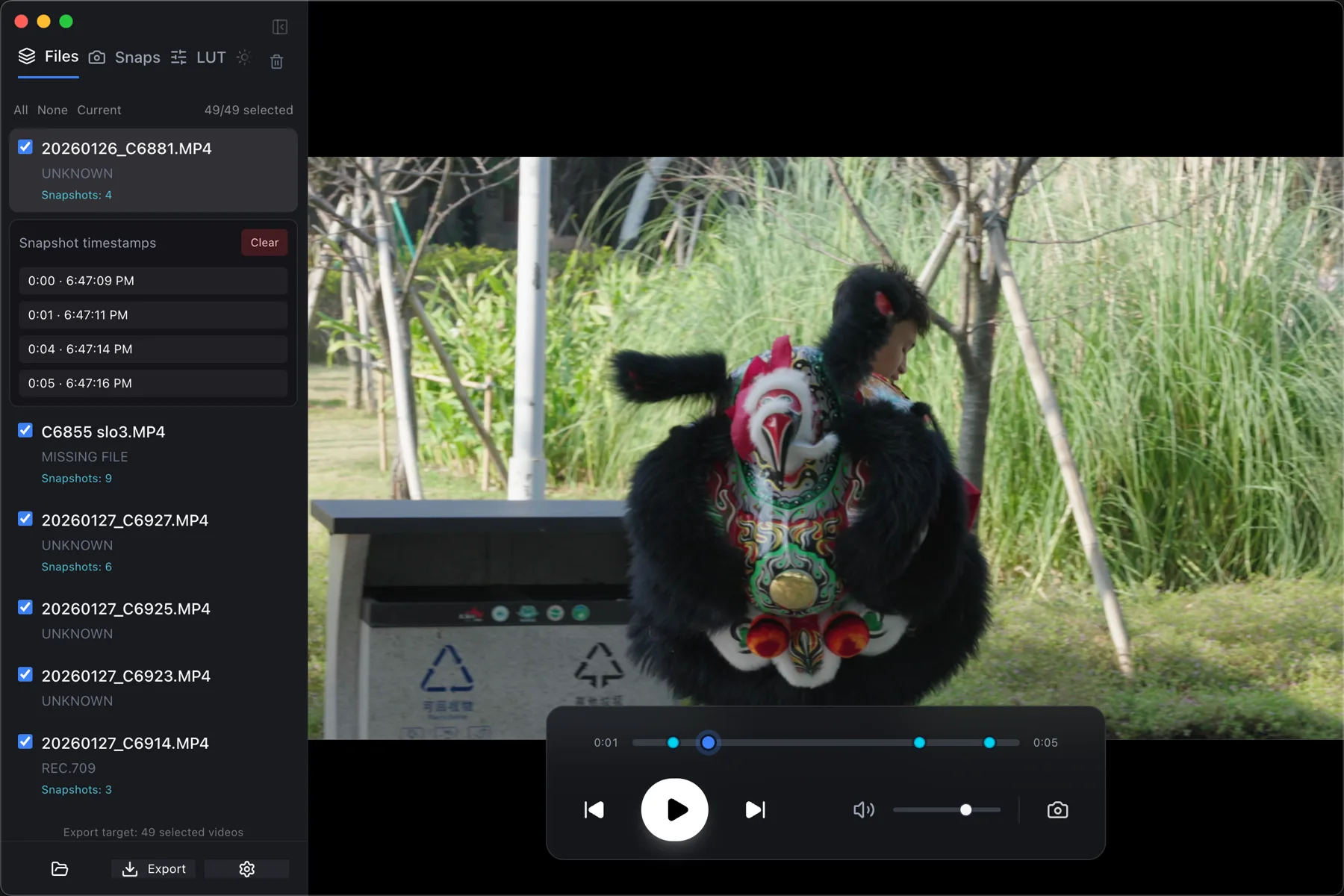
Press P for a full-resolution PNG of the graded frame — not a scaled-down preview. If the GPU read-back looks wrong, CineSnap falls back to pulling the frame with FFmpeg.
Exposure, contrast, saturation, highlights and shadows, stored per clip like Lightroom. Copy a look from one and paste it onto the rest.
Batch export skips the LUT on clips already in Rec.709, and skips re-encoding entirely on clips with no LUT and no grade. The footage that doesn't need work doesn't get touched.
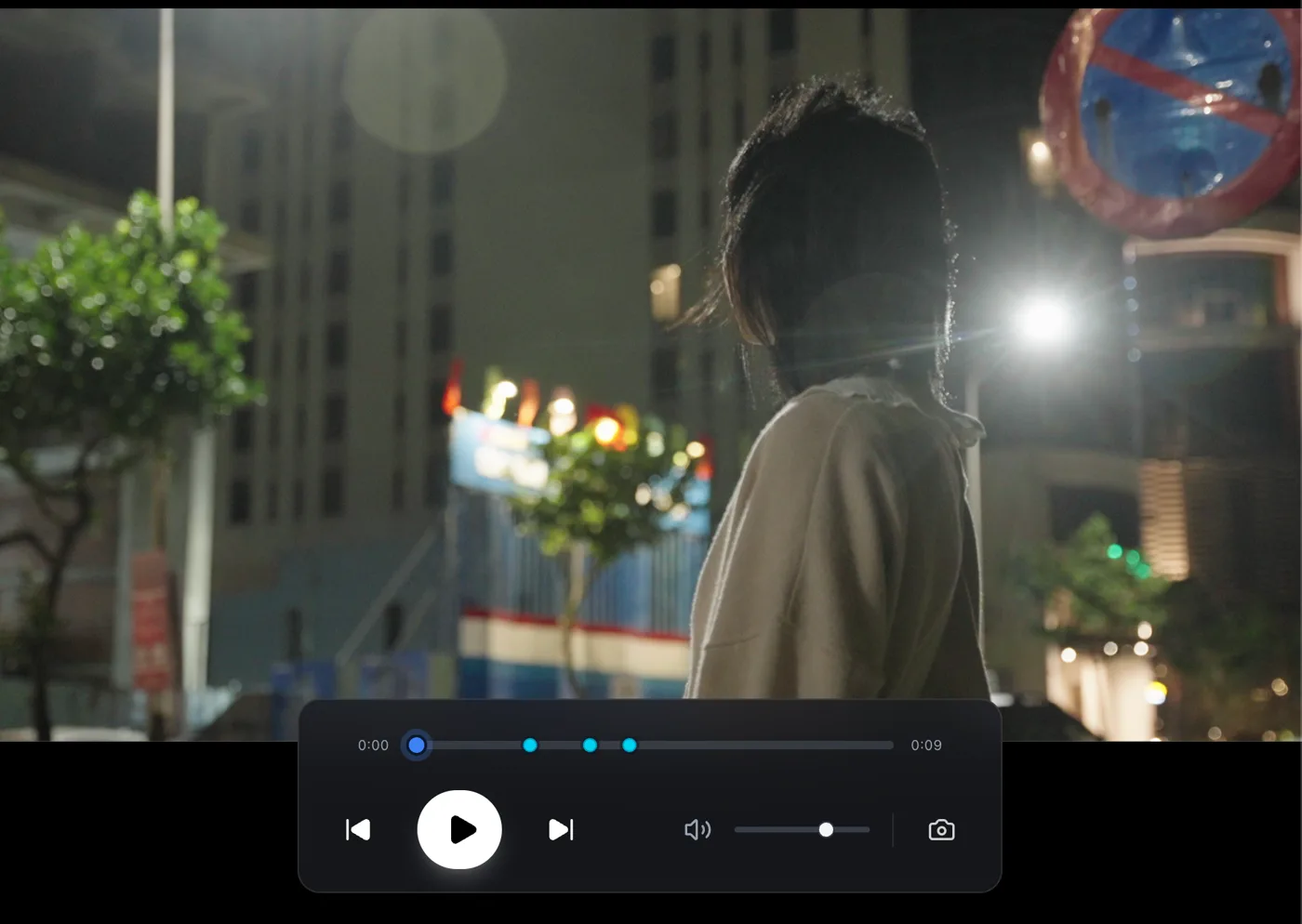
Every still you take drops a marker. Jump between them with ⌘↑ and ⌘↓ to find the frame you liked.
Get CineSnap
The browser version runs the same LUT engine as the desktop app.
Drop in a clip and a .cube, and see it graded — with
nothing uploaded anywhere.